

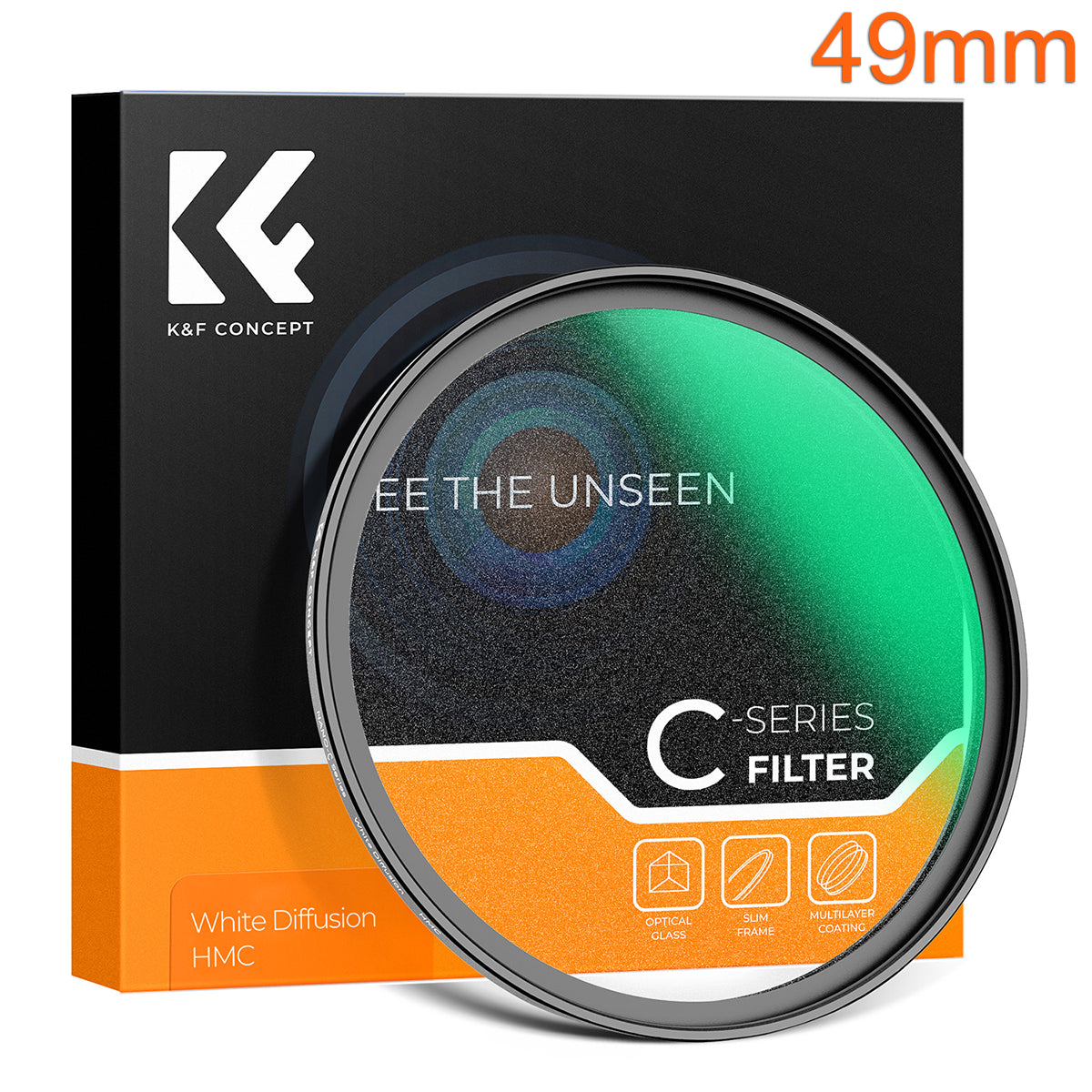
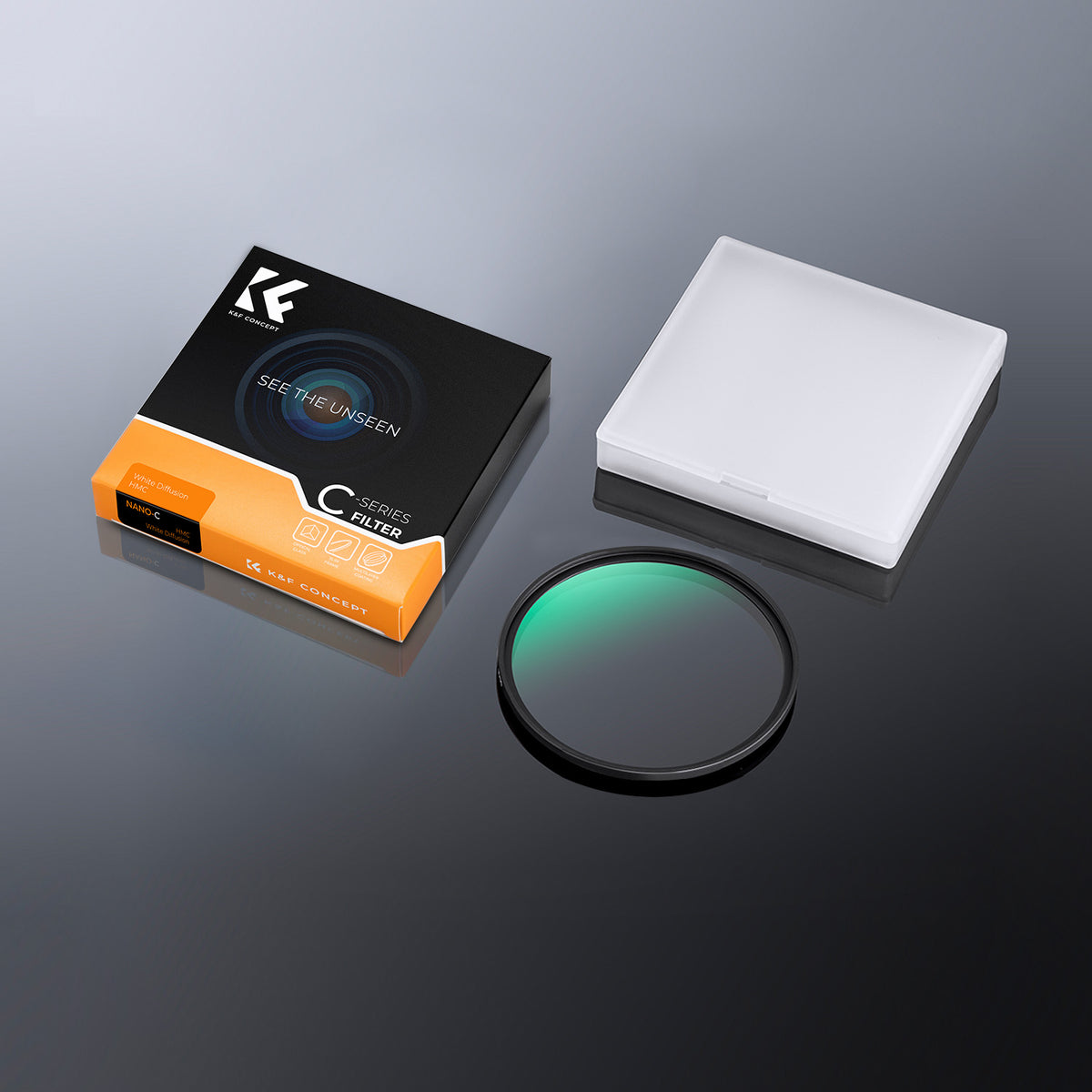

K&F White Mist Diffusion Effect Filter Classic Series
Diffusion at Capture, Not in Post
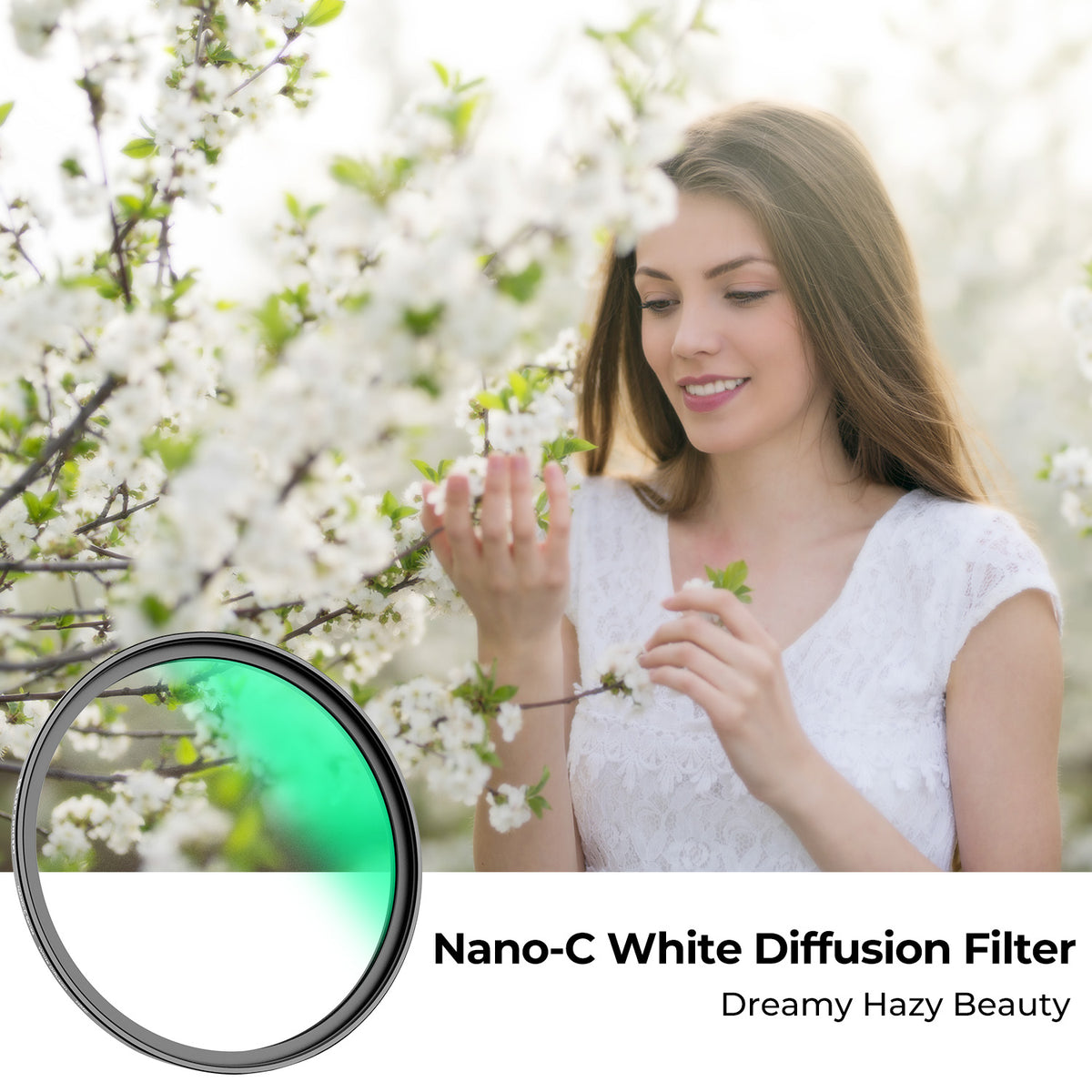
Softening an image in editing rarely looks as natural as doing it optically. The K&F White Mist filter diffuses light as it enters the lens, blooming highlights and gently rolling off contrast in a way that post-processing struggles to replicate without artifacts. The effect is subtle but immediate: skin renders with a forgiving glow, harsh midday sun loses its digital bite, and backlit scenes gain a luminous haze that feels cinematic rather than processed. If you've been layering blur and glow adjustments in Lightroom to chase that dreamy look, this does it in-camera and saves you the round-trip.
What White Mist Actually Does
This isn't a heavy fog filter. White Mist sits in the middle ground between clean glass and full diffusion, reducing micro-contrast and spreading highlights without destroying sharpness or flattening your image into mush. Fine detail stays intact; what changes is how light behaves around edges and bright sources. Specular highlights bloom softly outward. Skin texture remains visible but loses the clinical sharpness that makes digital files feel sterile. Contrast drops just enough to lift shadows and compress the tonal range, giving you a gentler, more forgiving exposure latitude. It's the optical equivalent of shooting film with a slightly expired emulsion: softer, warmer, more forgiving.
The effect scales with your lighting. In controlled studio setups or overcast conditions, White Mist adds a gentle glow without overpowering the scene. In harsh directional light or backlit scenarios, the diffusion becomes more pronounced, wrapping your subject in a haze that can border on ethereal. That variability is useful: the same filter behaves differently depending on the shoot, so you're not locked into one look.
Where It Earns Its Place
Portrait and fashion work is the obvious home. White Mist softens skin without the plasticky smoothness of heavy retouching, and it blooms catchlights in the eyes in a way that feels organic. Boudoir and intimate shoots benefit from the same forgiving glow, reducing the need for extensive skin work in post. Wedding photographers use it to add romance to ceremony and reception shots, particularly in harsh midday light where digital files can look unforgivingly sharp. For fine art and conceptual work, the filter leans into a painterly aesthetic, softening edges and compressing tones in a way that recalls older photographic processes.
Cinematic and music photography also lean on diffusion heavily. Concert lighting, with its hard beams and saturated gels, can look garish when captured cleanly; White Mist adds haze and atmosphere, softening the edges of stage lights and giving the frame a moody, atmospheric quality. Street and lifestyle shooters use it to add nostalgia, particularly in urban scenes where harsh shadows and high contrast can feel too clinical. Even landscape work has a place for it: morning fog, misty coastlines, and backlit forest scenes all gain a gentle, dreamlike quality that enhances mood without sacrificing detail.
Optical Build and Coatings
The filter uses optical glass with an 18-layer multi-coating across both surfaces. That coating stack does two things: it maximises light transmission so you're not losing stops to the diffusion effect, and it suppresses reflections and ghosting that would otherwise compound when you're introducing deliberate scatter into the optical path. Diffusion filters are inherently more prone to flare and internal reflections than clear glass, so the coating work here is doing real lifting. You can shoot into backlight or stage lights without the filter turning into a flare factory.
The frame is 3.3mm aviation-grade aluminium, which keeps the profile low enough to avoid vignetting on wide-angle lenses. That's critical: a thick filter ring on a 16mm or 24mm lens will clip the corners of the frame, and you'll spend post-production cropping out the shadow. The thin frame also means you can stack this with a polariser or ND without immediately running into mechanical vignetting, though stacking diffusion with other effects is a creative choice that doesn't always land cleanly.
Double-threading on the front of the frame lets you add a lens cap or step-up ring without removing the filter. Small detail, but it matters in the field when you're swapping lenses or adding protection quickly.
How to Use It Without Overdoing It
White Mist is forgiving, but it's not invisible. If you're shooting wide open on a fast prime in soft light, the effect can feel too heavy, flattening contrast to the point where the image loses punch. Stop down to f/2.8 or f/4, or shoot in harder light, and the diffusion balances better. Backlit and high-contrast scenes are where the filter shines: it tames harsh edges and blooms highlights without turning the frame into soup. In flat, low-contrast conditions, the filter can make the image feel muddy rather than dreamy, so it's worth previewing the effect and deciding whether it's adding or subtracting.
The effect is also cumulative with your lens choice. A vintage lens with lower contrast and softer rendering will compound the diffusion, sometimes beautifully, sometimes to the point where the image feels over-softened. Modern sharp glass gives the filter more room to work without losing structure. If you're pairing this with a clinical lens like a G Master or Art series prime, the diffusion brings warmth and character without sacrificing resolution. On a vintage Helios or Pentax Takumar, you might be doubling down on softness in a way that works for some shoots and not others.
Why Not Just Do It in Post?
You can approximate diffusion in editing: lower clarity, add glow, lift shadows, compress highlights. But it never looks quite the same. Optical diffusion scatters light before it hits the sensor, affecting how highlights bloom, how edges transition, and how micro-contrast behaves across the frame. Digital glow is applied after the fact, which means you're working with data that's already been captured cleanly and then artificially softened. The difference is subtle but visible: in-camera diffusion feels integrated into the exposure, while post-diffusion often looks like an overlay.
There's also the workflow argument. If you're shooting a session where you know you want that soft, glowing look, doing it at capture means you're not spending an hour in post applying the same adjustments to 200 frames. The filter gives you a consistent baseline aesthetic across the entire shoot, and you can still refine individual images in editing without starting from scratch.
What You're Actually Buying
This is a practical diffusion filter with solid optical engineering, sold at a price point that doesn't require you to justify it as a once-a-year specialty purchase. It's not a budget knock-off; the coatings, frame build, and optical performance are credible enough for professional use. It's also not priced like a boutique cinema filter that costs more than the lens you're mounting it on. It sits in the middle: accessible enough to experiment with, well-made enough to trust on paid work.
If you've been chasing that soft, glowing aesthetic in post and it's not landing the way you want, or if you're tired of spending time in Lightroom trying to replicate what film or vintage glass does naturally, the K&F White Mist Nano X Filter (KF01.2420-2428) is worth trying. It's a single piece of glass that changes how light behaves before it reaches your sensor, and that's a different tool than anything you can do in editing.