



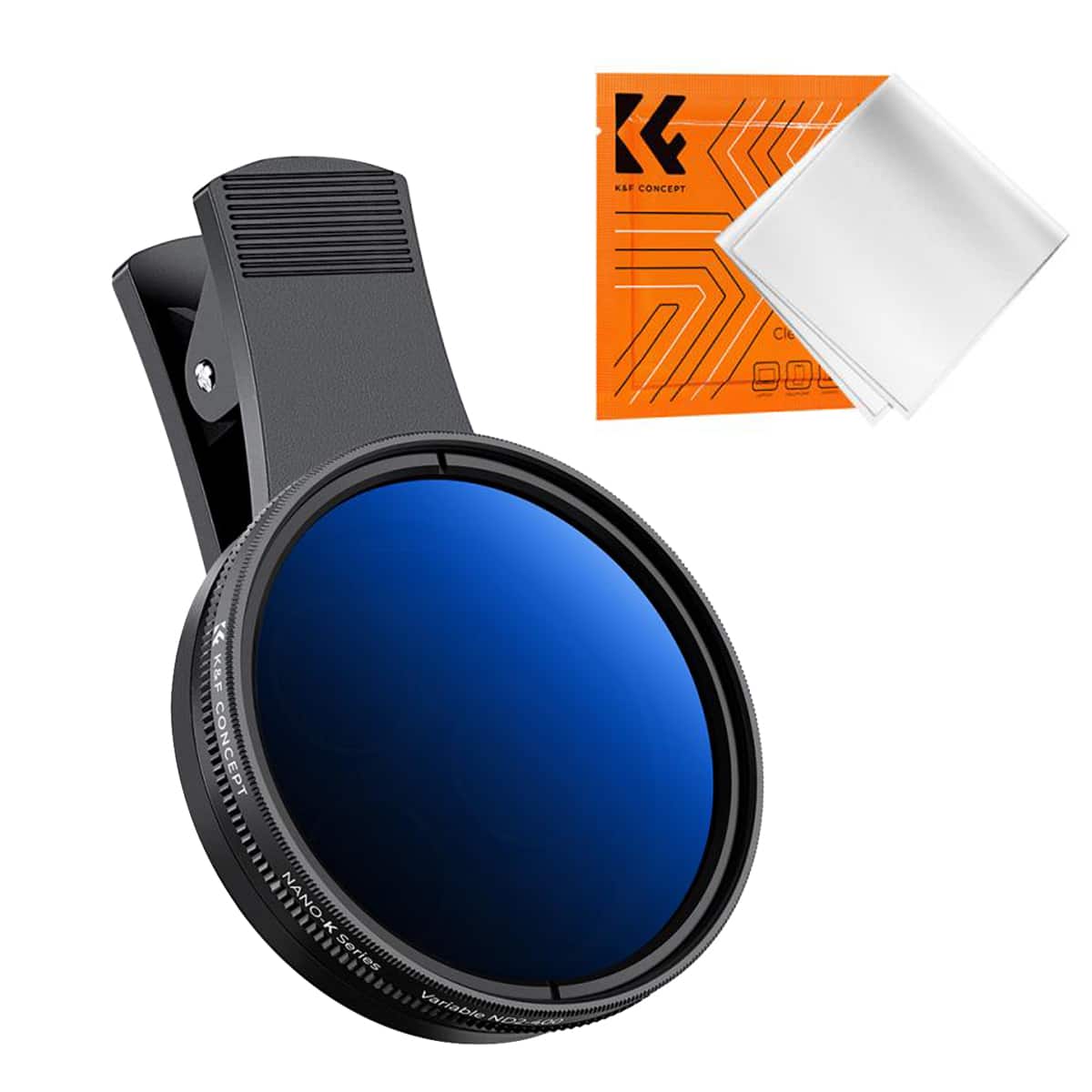
K&F Clip-On 52mm Variable ND2-400 Filter for any Brand Phone
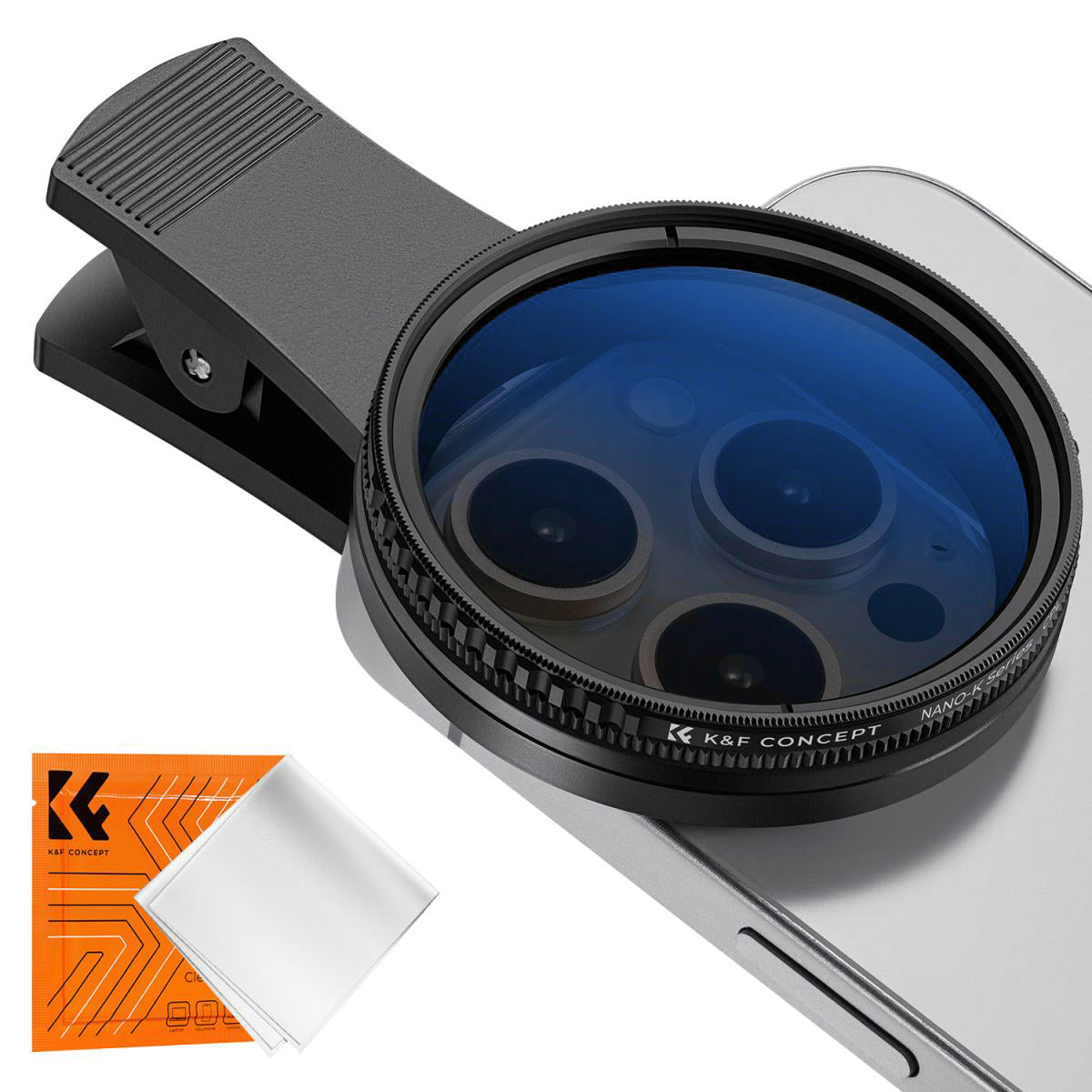
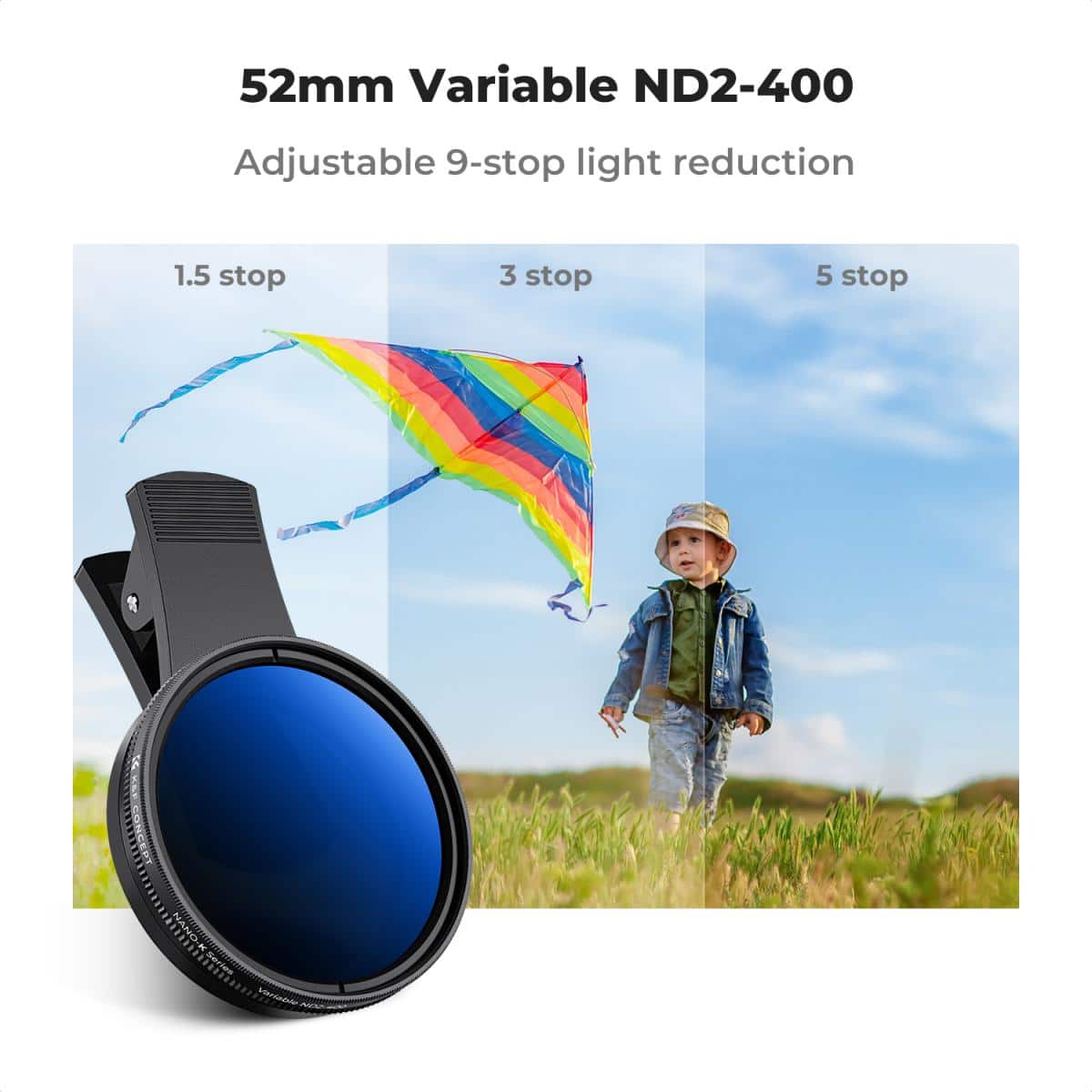
Mobile photography has evolved beyond casual snapshots. When you're shooting video in harsh midday sun or attempting long-exposure stills with a phone, the fundamental challenge remains light control, specifically, too much of it hitting the sensor too quickly. A clip-on variable neutral density filter solves that problem by giving you mechanical control over exposure, independent of your phone's fixed aperture and limited shutter range. The KF01.2639 delivers 1.5 to 9 stops of continuously adjustable light reduction (ND2 through ND400), clipping directly over your smartphone's camera module and rotating smoothly to dial in the exact density you need for the shot in front of you.
Why Variable Density Matters for Mobile Video
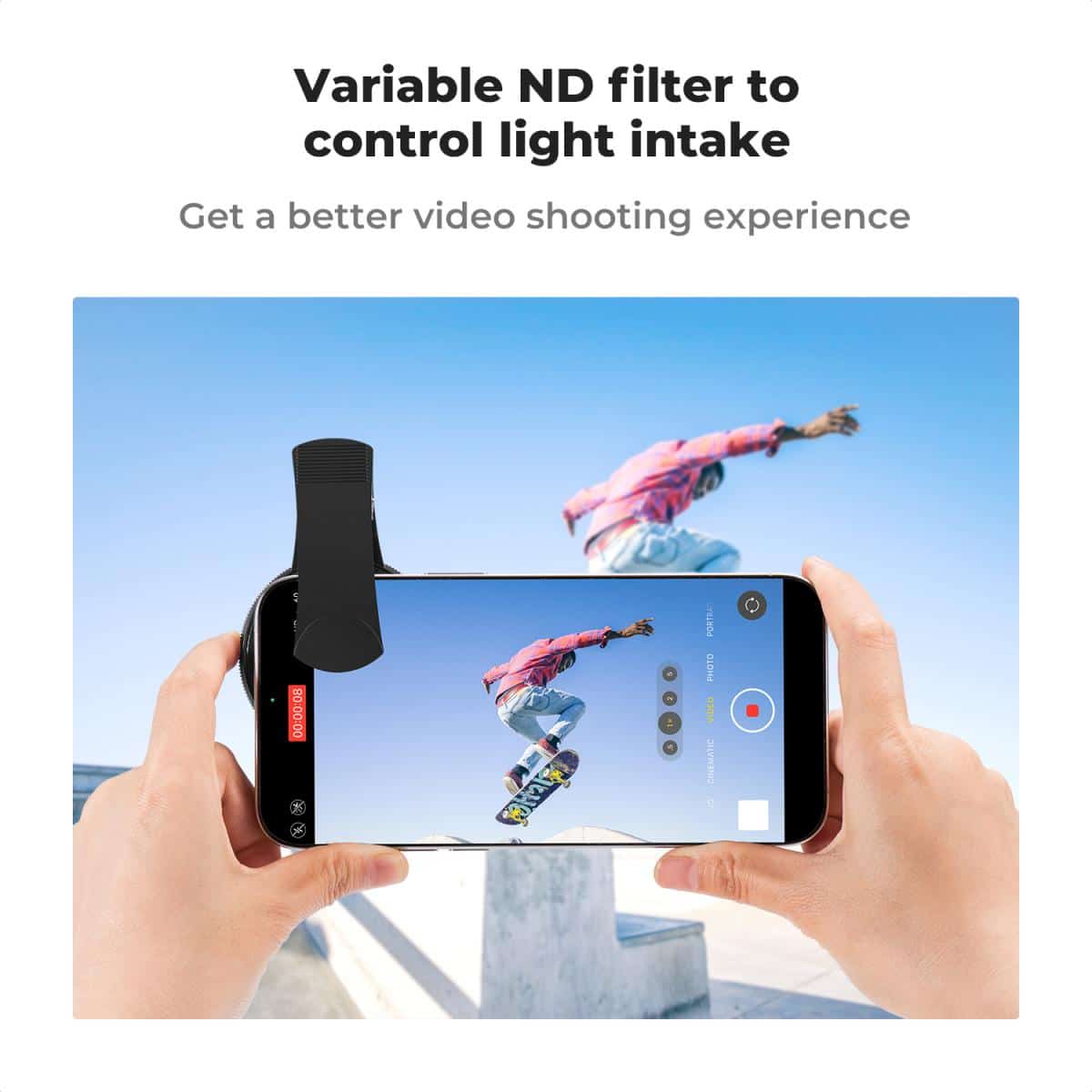
Smartphone cameras lock you into a fixed aperture. When you're filming outdoors in bright conditions, the only way the camera can prevent overexposure is by cranking the shutter speed up, often to 1/2000s or faster. That eliminates motion blur entirely, producing the stuttery, unnatural look associated with amateur phone footage. Professional video relies on the 180-degree shutter rule: if you're shooting at 24 or 30 frames per second, your shutter speed should sit around 1/50s or 1/60s to preserve natural motion cadence. An ND filter makes that possible in daylight by blocking enough light that the sensor can use a slower shutter without blowing out the image. The variable range on this filter means you can start at ND2 in overcast conditions, rotate to ND64 when the sun breaks through, and push to ND400 for extreme contrast scenes, all without stopping the recording or swapping hardware. That adaptability is the difference between usable footage and a card full of clips you can't grade.
Long-Exposure Photography Without a Dedicated Camera
Beyond video, the same light-blocking capability opens up long-exposure techniques that smartphones can't achieve natively. Water turning to mist, clouds streaking across the sky, pedestrians vanishing from a busy plaza, all of these require shutter times measured in seconds, not fractions of a second. By stacking 9 stops of reduction at the ND400 setting, you can extend a phone's exposure long enough to capture motion blur that would otherwise be impossible, even with third-party camera apps that unlock manual shutter control. The result is imagery that doesn't look like it came from a phone, because the physics of the exposure are identical to what you'd get from a mirrorless body with a 10-stop ND screwed onto the lens. The only difference is the form factor.
Nano-K Coating and Optical Integrity
Variable ND filters work by rotating two polarising elements against each other, progressively blocking more light as they cross-polarise. The trade-off with this design is that at maximum density, some filters introduce colour casts or the characteristic 'X' pattern caused by interference between the polarising layers. The Nano-K multi-layer coating applied to this filter's glass minimises both issues by reducing internal reflections and surface glare, which are the primary contributors to optical artefacts. The glass itself has a faint blue-purple tint when viewed off-axis, that's a byproduct of the coating structure, not a defect, but in practice it renders neutral across the ND2-400 range when mounted and shooting. The coating also repels water, so rain beads up and rolls off rather than smearing across the surface, and it resists scratches from the kind of rough handling that happens when you're clipping a filter on and off multiple times a day. For a clip-on filter that lives in a pocket rather than a padded case, that durability matters.
Clip Mechanism and Device Protection
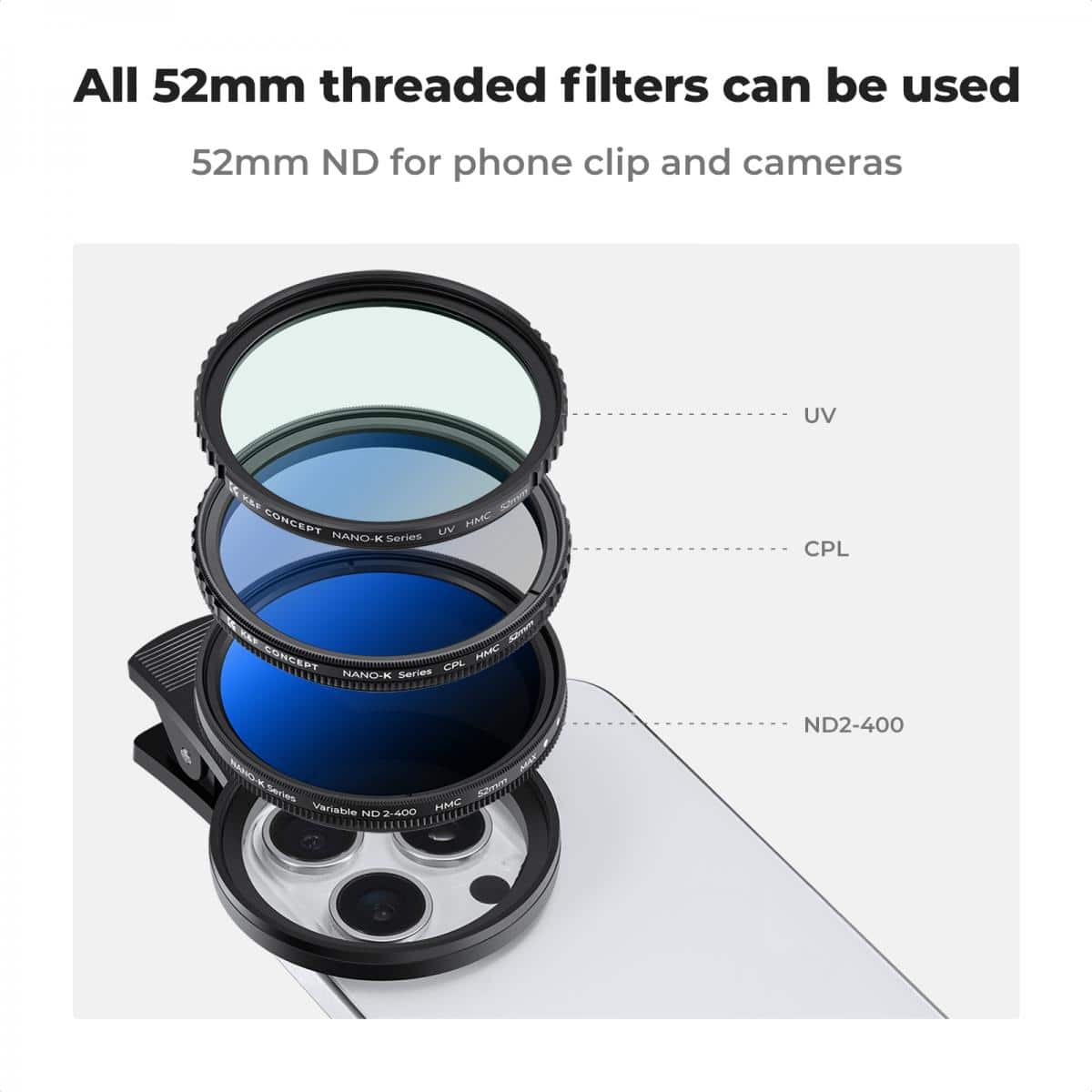
The mounting system uses a spring-loaded clip with rubberised contact pads on both the front and rear surfaces. Those pads serve two functions: they grip the phone securely enough that the filter won't shift mid-shot, and they create a buffer between the metal clip and your phone's glass or aluminium body, preventing scratches during attachment. The clip is tensioned to hold firmly without requiring excessive force to open, so you can mount it one-handed if you're holding the phone in the other. Once clipped, the filter sits flush over the camera module, and the 52mm threaded front ring allows you to stack additional filters, a circular polariser for glare control, a UV filter for lens protection, or even a second ND if you need to exceed 9 stops for extreme long exposures. The caveat with stacking is vignetting: if your phone has an ultra-wide lens and you're using it with multiple filters mounted, the filter edges may intrude into the frame corners. Test your specific device and lens combination before committing to a stacked setup in the field.
Compatibility and Sizing
This is a 52mm filter, which means it's designed to cover camera modules with a maximum diameter of approximately 52mm. Most single-lens and dual-lens smartphones fall comfortably within that range. However, newer flagship devices with large triple- or quad-lens arrays, particularly those where the lenses are spaced widely apart, may require a larger 67mm version to ensure the entire array is covered without the filter edges cutting into individual lenses. The simplest way to confirm fit is to measure your phone's camera island or hold a 52mm object (a lens cap, a roll of tape) over the module to visually check coverage. If the 52mm diameter fully encloses the lens or lenses you intend to use, this filter will work. If not, a larger diameter is the correct choice. The goal is complete coverage without obstruction, because partial coverage will cause uneven light reduction across the frame or vignetting on lenses that sit outside the filter's circle.
Rotation and Real-Time Adjustment
The filter's outer ring rotates through the full ND2-400 range with smooth, even resistance, enough friction that it won't drift on its own, but light enough that you can adjust it with one hand while holding the phone in the other. That's critical when you're shooting run-and-gun video and the lighting changes mid-take: you can rotate from ND16 to ND64 without stopping the recording, and the exposure shift will be gradual rather than a hard cut. The rotation is stepless, so there are no detents or click-stops, you're adjusting continuously, which gives you finer control but also means you need to visually monitor your phone's exposure meter or histogram to land on the exact density you want. For video work, that's typically a non-issue because you're watching the screen in real time. For stills, it's worth taking a test frame, checking the result, and tweaking the rotation if needed before committing to the final exposure.
Practical Field Scenarios
Consider a typical vlogging shoot in a city square at noon. Without an ND filter, your phone will either overexpose the sky or underexpose your face, and any panning movement will stutter because the shutter speed is too fast. Clip on this filter, rotate to ND32 or ND64, and suddenly you can lock your shutter at 1/50s, your exposure balances, and your pans are smooth. Or imagine shooting a timelapse of a waterfall. Your phone's native shutter tops out at maybe 1/4s in ideal conditions, which isn't long enough to blur the water into silk. Add 9 stops of ND, and you can push the shutter to 2 or 3 seconds per frame, transforming the water into a continuous flow rather than frozen droplets. These aren't edge cases, they're the scenarios where a phone's computational photography hits its limits and physics-based tools take over.
The KF01.2639 is a mechanical solution to problems that software can't solve. It doesn't rely on algorithms or post-processing; it physically blocks light before it reaches the sensor, giving you control over exposure variables that are otherwise locked on a smartphone. For mobile creators who've outgrown auto-everything shooting and want the same level of control they'd have with interchangeable-lens gear, this filter bridges the gap. It's portable enough to live in a jacket pocket, robust enough to handle daily use, and optically clean enough that it doesn't compromise image quality when you need it. If you're shooting video in variable light or attempting long-exposure techniques with a phone, this is the tool that makes those workflows possible.